
One AI layer, three components

The company AI layer sits between the people and AI tools that need answers and the systems that hold them. Each component is built on an open-source project we use in our own work. The core has no licence fee: you pay for setup and support, and the layer is yours.

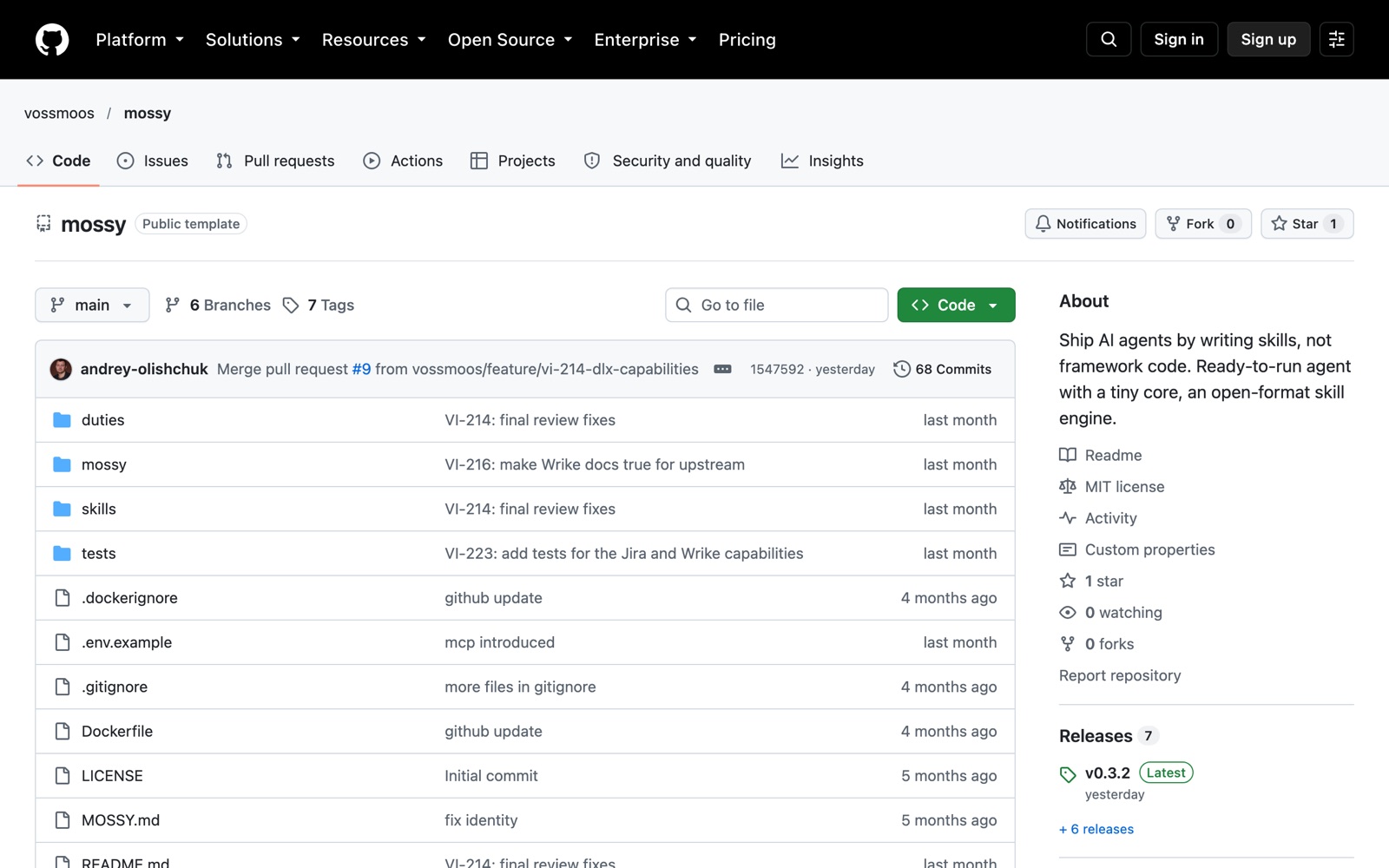
The Mossy repository on GitHub
01 · Autonomous Agents

Built on Mossy, our open-source agent runtime

Read, decide and act in your systems

The agents work when work comes in or on their own schedule, and hand over to a person when unsure. Mossy, the runtime underneath, is skill-first: each process kit is a set of skills, and work moves through channels and queues.

  • Process kits as composable skills and workers
  • Scheduled goals as well as incoming work
  • Reaches company systems only through the Agentic Data Gate
github.com/vossmoos/mossy →

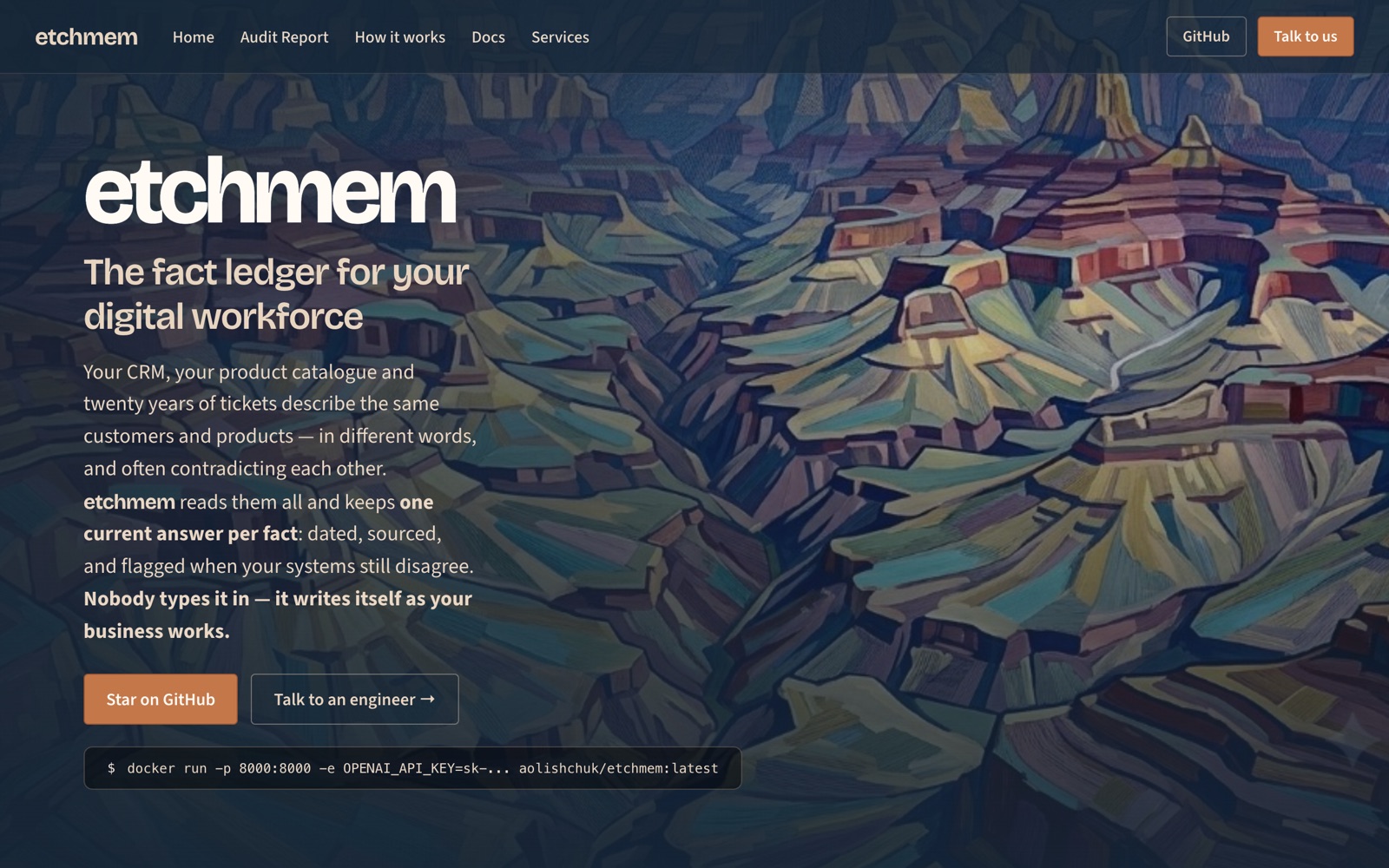
The EtchMem website
02 · Corporate Memory

Built on etchmem, our open-source memory

One current answer per fact

What one process learns or a colleague corrects becomes knowledge every agent, and every AI tool you allow, can use. etchmem reads your CRM, product catalogue and ticket history, keeps one current answer per fact, dated and sourced, and flags where systems still disagree. It grows as the work happens, without anyone typing it in.

  • Learns from work and from corrections
  • Facts reconciled across systems
  • Sources and dates for every answer; contradictions go to a person

etchmem.io →

# config/agents/support-bot.yaml
agent: support-bot
owner: support-lead@example.com

roles:
  - zendesk:reader
  - jira:reader

# Explicit deny always wins.
deny:
  - "*:*:delete"
03 · Agentic Data Gate

Built on Myco, our open-source access layer for AI agents

Each person, agent and AI tool sees only what it may

The gate gives each agent and AI tool one MCP endpoint with a reviewed set of tools for your SaaS apps. An agent sees only the tools and data its roles allow, acting for itself or on behalf of a signed-in person. It holds the system credentials, so passwords never reach the AI, and it logs every decision.

  • Roles per agent and per user; explicit deny always wins
  • Rows scoped and sensitive fields redacted
  • Permissions as YAML in Git, deterministic decisions

github.com/vossmoos/myco →

Inside the layer

Connectors

Tested links into ERP, PIM, help desk, documents, e-mail and CRM, delivered as Myco packs and kit scripts. Your systems stay unchanged. Integration is one part of the layer, not the product.

  • SAP
  • Dynamics
  • Akeneo
  • Freshdesk
  • Zendesk
  • SharePoint
  • Microsoft 365
  • HubSpot
  • Salesforce
Inside the layer

Control room

Where people stay in charge: approvals in Teams, Slack or the help desk, shadow mode before go-live, and dashboards and reports on what the agents did and what the memory learned. Built per customer today.

Open datasets

Data we publish on Hugging Face

We also publish datasets from our engineering work, such as wind turbine SCADA readings and contactless soil sensing data, for anyone building and testing models on industrial and sensor data.

huggingface.co/vossmoos →

Why open source

Yours from day one

  • No lock-in: open-source licences, any AI model, commercial or open-weight.
  • Verifiable: your IT can read every line, and every access decision is logged.
  • Your team can run it: installed in your infrastructure, with a run book and training at handover.
How to start

Start with one process. Keep people in charge.

1

Process Check, 1 to 3 days. We look at one process with you: volume, handling time, errors and the systems involved. Then we say plainly whether it pays off, including when AI is not worth it.

2

Setup in your infrastructure, from 3 days. We connect your systems, configure the gate, the memory and the agents, test on cases your experts approve, and switch on step by step: shadow mode, then private notes, then live.

3

Handover and support, ongoing. Your team owns and runs it. We train, stay on call, keep the components current and add the next process when you are ready.

Book a Process Check